
Planning a wedding can often feel overwhelming. Sometimes you’ve chosen the outfits, booked the venue, and finalized the rituals, yet something still feels incomplete. You want a way to bring your love story alive, to share every detail with grace, or maybe you just want to add that final touch of magic. You feel like you have everything in hand but the heart of it is missing… A digital invite that reflects your journey, crafted with care, beauty, and respect for your time and money.
That’s where Missing Piece steps in — to complete your puzzle.
Made with love. In India.
Planning a wedding can often feel overwhelming. Sometimes you’ve chosen the outfits, booked the venue, and finalized the rituals, yet something still feels incomplete. You want a way to bring your love story alive, to share every detail with grace, or maybe you just want to add that final touch of magic. You feel like you have everything in hand but the heart of it is missing… A digital invite that reflects your journey, crafted with care, beauty, and respect for your time and money.
That’s where Missing Piece steps in — to complete your puzzle.
Made with love. In India.
Questions ? Answers.
Questions ? Answers.
Do I need a software to edit these templates ?
These templates run on Framer and are built to edit as easily as filling out a simple form — most people finish everything in under 10 minutes.
Why this template over a WhatsApp video?
These templates run on Framer and are built to edit as easily as filling out a simple form — most people finish everything in under 10 minutes.
What is Framer ?
Framer is a free, easy-to-use website builder—no coding needed. Just drag, drop, and publish a stunning site in minutes.
What is Framer ?
Framer is a free, easy-to-use website builder—no coding needed. Just drag, drop, and publish a stunning site in minutes.
Will this open like a website ?
Yes. Once published your guests will be able to see your invite like a dynamic website: Interactable, complete with links to venue location, RSVP, and wedding Instagram.
Will this open like a website ?
Yes. Once published your guests will be able to see your invite like a dynamic website: Interactable, complete with links to venue location, RSVP, and wedding Instagram.
What if I want to split guests by event ?
The template has an easy provision to create as many event combinations as you need. That way you'll be able to call separate guests to separate events.
What if I want to split guests by event?
The template has an easy provision to create as many event combinations as you need. That way you'll be able to call separate guests to separate events.
How do I get started ?
We provide an 8 minute+ tutorial video to get you started. In brief - You can start with just a computer. Click the template link in your email after purchase—Then click on the tutorial video link in from the same email and simply follow the steps. Sign up, add your photos and text, and hit publish. It’s all free and fully editable—anytime & anywhere.
How do I get started ?
We provide an 8 minute+ tutorial video to get you started. In brief - You can start with just a computer. Click the template link in your email after purchase—Then click on the tutorial video link in from the same email and simply follow the steps. Sign up, add your photos and text, and hit publish. It’s all free and fully editable—anytime & anywhere.
How long does it take to edit the invite ?
Editing and sharing is super simple—just like filling a form. Add names, family details, events, photos, and links, and you’re ready to go. Most couples finish in just 10–20 minutes.
How long does it take to edit the invite ?
Editing and sharing is super simple—just like filling a form. Add names, family details, events, photos, and links, and you’re ready to go. Most couples finish in just 10–20 minutes.
What happens after I buy the template?
After you buy a template, you’ll get a “Remix” link by email. Click it to open the template in Framer. Sign up for a free account, and the template will be added to your workspace—ready to customize.
What happens after I buy the template?
After you buy a template, you’ll get a 'Template' link with a tutorial by email. Click it to open the template in Framer. Sign up for a free account, and the template will be added to your workspace—ready to customize.
Can I purchase now and use it later ?
Yes. You can purchase now and use it anytime in the future.
Can I purchase now and use it later ?
Yes. You can purchase now and use it anytime in the future.
Can I purchase it using my phone ?
Yes. You can purchase the template from any device and edit it on laptop using the link which will be sent to you on your email.
Can I purchase it using my phone ?
Yes. You can purchase the template from any device and edit it on laptop using the link which will be sent to you on your email.
Is there an expiry to the template ?
Once you complete your purchase, you’ll have lifetime access.
Is there an expiry to the template ?
Once you complete your purchase, you’ll have lifetime access.
Will I need to buy a domain name ?
Short Answer: No need. Framer gives you a free web link (like anshwedsneha.framer.website). But if you want your own .com, that’s optional.
Will I need to buy a domain name ?
Short Answer: No need. Framer gives you a free web link (like anshwedsneha.framer.website). But if you want your own .com, that’s optional.
Are there any hidden costs?
No. There are no hidden costs. Hosting is included for free, there are no subscription fees, and a custom domain is completely optional.
Are there any hidden costs?
No. There are no hidden costs. Hosting is included for free, there are no subscription fees, and a custom domain is completely optional.
How do I add my details in the template?
Simply follow the step-by-step video guide included with your purchase. In short—click on any text to edit, or on a photo to upload your own. That’s it!
How do I add my details in the template?
Simply follow the step-by-step video guide included with your purchase. In short—click on any text to edit, or on a photo to upload your own. That’s it!
Can I add music ?
YES - The template allows you to add any music of your choice as an .MP3 file
Can I add music ?
YES - The template allows you to add any music of your choice as an .MP3 file
What's included in the template ?
- Tutorial: Step-by-step video guide for easy editing - Event Cards: Customisable cards for bride & groom families - Custom Pages: Separate invite pages for each event - Photo Highlight: Showcase your pre-wedding shoot beautifully - Instant Edits: Update anytime, even after sharing - Smart Links: Built-in RSVP, venue maps & Instagram updates - Accessibility: Elder-friendly, no tiny text like WhatsApp videos - Information: Space for hashtag, parking, staff stay & more - Animations: Smooth scrolling effects to bring invites alive - God Motif: Lord Ganesha motif with an editable mantra option - Responsive: Works on laptop, tablet & phone seamlessly - Music: Upload any muisc of your choice
What's included in the template ?
- Tutorial: Step-by-step video guide for easy editing - Event Cards: Customisable cards for bride & groom families - Custom Pages: Separate invite pages for each event - Photo Highlight: Showcase your pre-wedding shoot beautifully - Instant Edits: Update anytime, even after sharing - Smart Links: Built-in RSVP, venue maps & Instagram updates - Accessibility: Elder-friendly, no tiny text like WhatsApp videos - Information: Space for hashtag, parking, staff stay & more - Animations: Smooth scrolling effects to bring invites alive - God Motif: Lord Ganesha motif with an editable mantra option - Responsive: Works on laptop, tablet & phone seamlessly - Music: Upload any muisc of your choice
Do I need to know coding to use this?
Short Answer: Not at all. If you can use Canva or Instagram, you’ll find Framer as easy.
Do I need to know coding to use this?
Short Answer: Not at all. If you can use Canva or Instagram, you’ll find Framer as easy.
How do I share this with my guests?
Short Answer: Once done, you get a simple link. Share it on WhatsApp, text, email — anything works.
How do I share this with my guests?
Short Answer: Once done, you get a simple link. Share it on WhatsApp, text, email — anything works.
How do my guests view the invite ?
Like they view any website—on their phone's browser, Safari, Chrome or whatever. It opens beautifully like a website on any device.
How do my guests view the invite ?
Like they view any website—on their phone's browser, Safari, Chrome or whatever. It opens beautifully like a website on any device.
What if you want to invite someone to just one event?
The template comes with separate invites for each event—so if you only want to invite your distant bua to the Engagement and not to the Wedding, you absolutely can!
Can I preview before I share it ?
Short Answer: Yes! Framer lets you preview everything on mobile and desktop before going live.
Can I preview before I share it?
Short Answer: Yes! Framer lets you preview everything on mobile and desktop before going live.
Can I make changes after sharing ?
Short Answer: Absolutely. Change anything — venue, timings, any link — even after it’s published, and it updates for everyone instantly, no need to re-share the invite.
Can I make changes after sharing ?
Short Answer: Absolutely. Change anything — venue, timings, any link — even after it’s published, and it updates for everyone instantly, no need to re-share the invite.
Do you make custom invites ?
No - We don’t make custom invites. Please tap the link in bio to buy a template of your choice.
Do you make custom invites ?
No - We don’t make custom invites. Please tap the link in bio to buy a template of your choice.
Can I re-sell these template ?
No - These templates are protected under applicable copyright and intellectual property laws. Any unauthorized use, including but not limited to reselling, redistributing, sublicensing, copying, sharing, reverse-engineering, or modifying these templates, in whole or in part, is strictly prohibited. Any violation will be treated as a serious infringement and may result in immediate legal action, including but not limited to civil and criminal proceedings, monetary damages, statutory penalties, injunctive relief, and recovery of legal costs. We actively monitor misuse and enforce our rights to the fullest extent permitted by law.
Can I re-sell these template ?
No - These templates are protected under applicable copyright and intellectual property laws. Any unauthorized use, including but not limited to reselling, redistributing, sublicensing, copying, sharing, reverse-engineering, or modifying these templates, in whole or in part, is strictly prohibited. Any violation will be treated as a serious infringement and may result in immediate legal action, including but not limited to civil and criminal proceedings, monetary damages, statutory penalties, injunctive relief, and recovery of legal costs. We actively monitor misuse and enforce our rights to the fullest extent permitted by law.
What's the refund policy ?
Because this is a digital product, all sales are final and non-refundable. Please review the details carefully before purchasing. If you have any questions, feel free to contact us before placing your order.
What's the refund policy ?
Because this is a digital product, all sales are final and non-refundable. Please review the details carefully before purchasing. If you have any questions, feel free to contact us before placing your order.
Be the first to know when a new template drops
Stay updated on new template and feature releases.
Be the first to know when a new template drops
Stay updated on new template and feature releases.
Website Templates for Wedding Invites
Need any help ? We've got your back.
Need any help ? We've got your back.


Invite Your Guests in 10 Minutes!
Choose. Customise. Share.
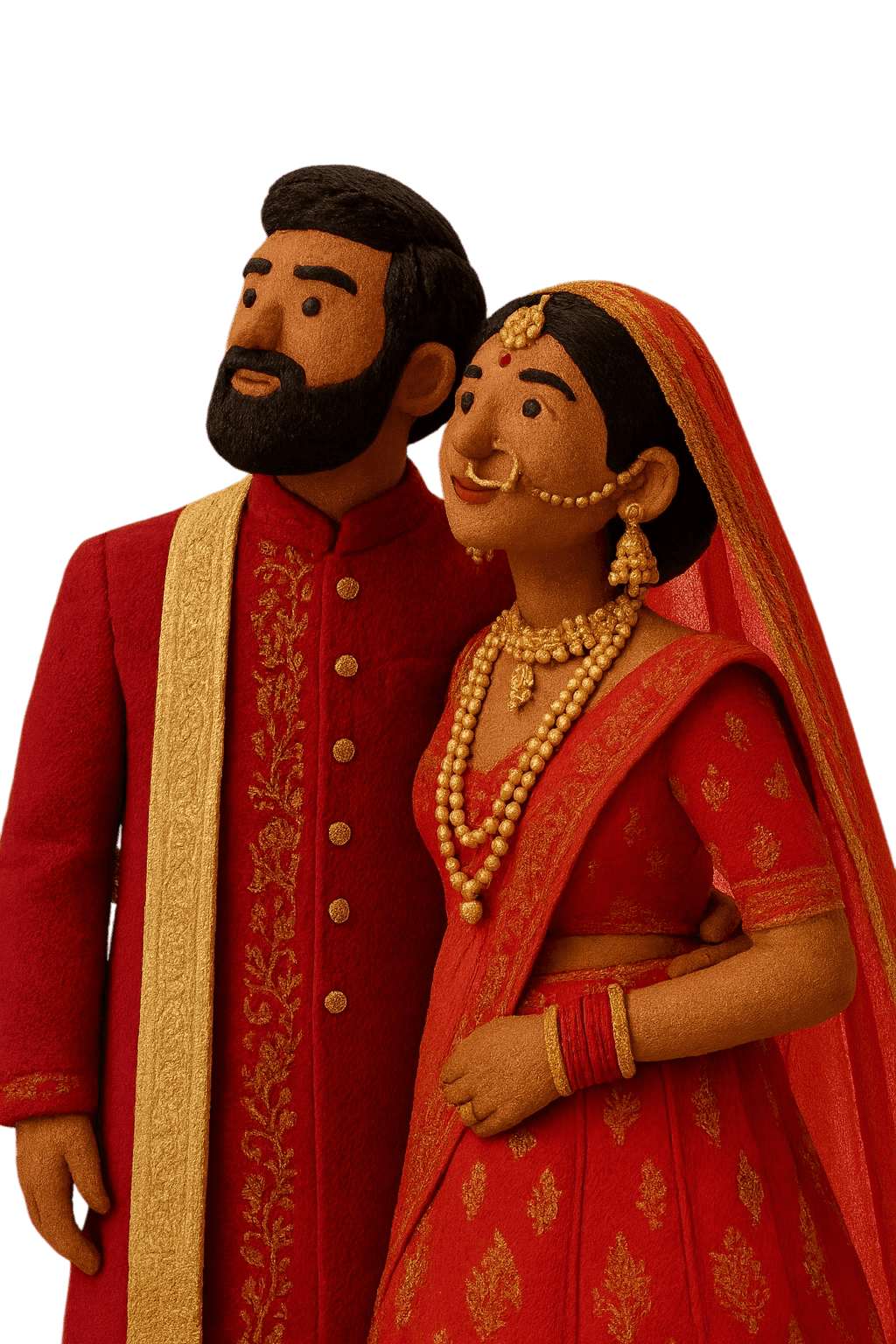
Invite Your Guests
in 10 Minutes!
Choose. Customise. Share.
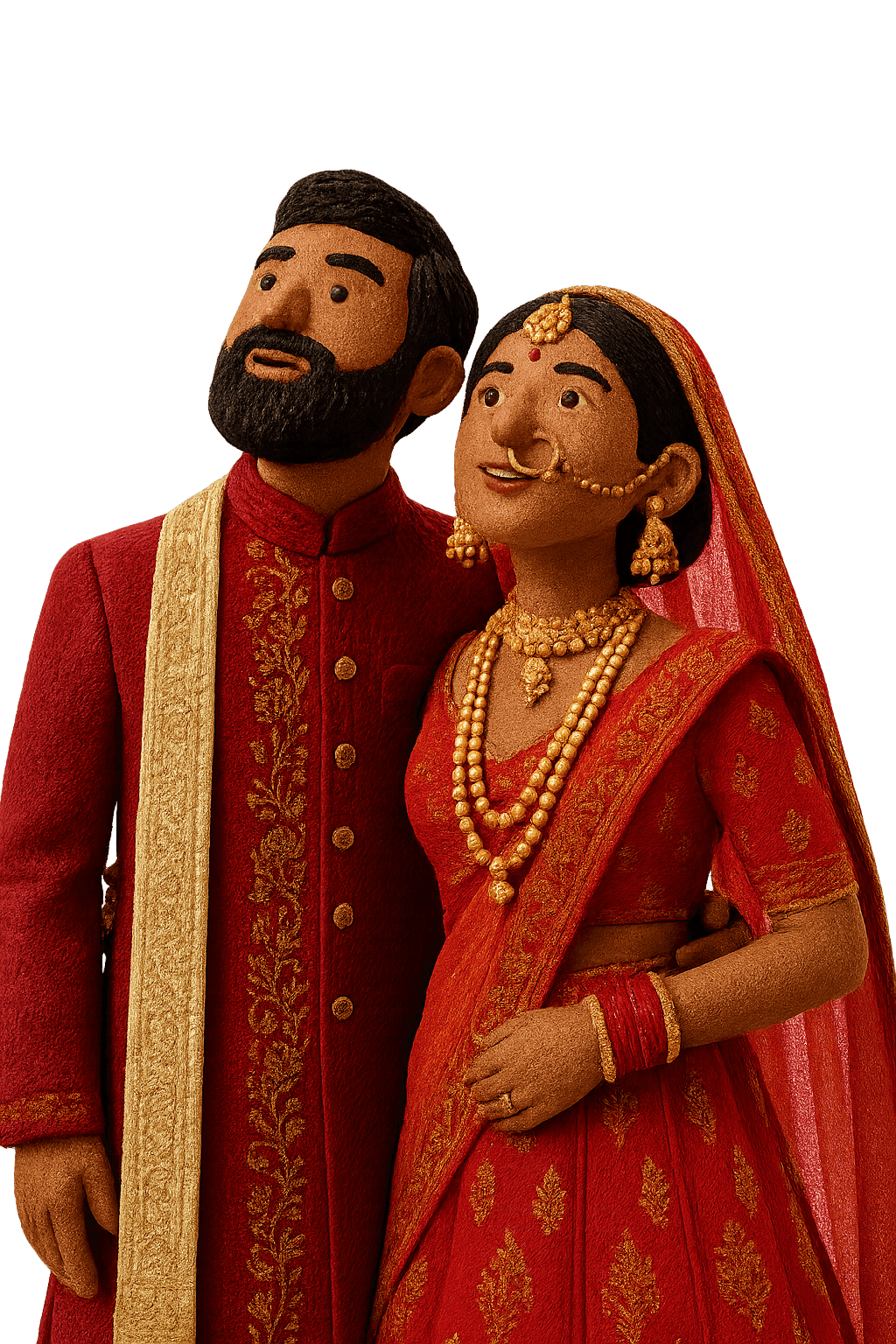
© Not for Re-Sale

®
© Missing Piece 2026